Find your alter ego
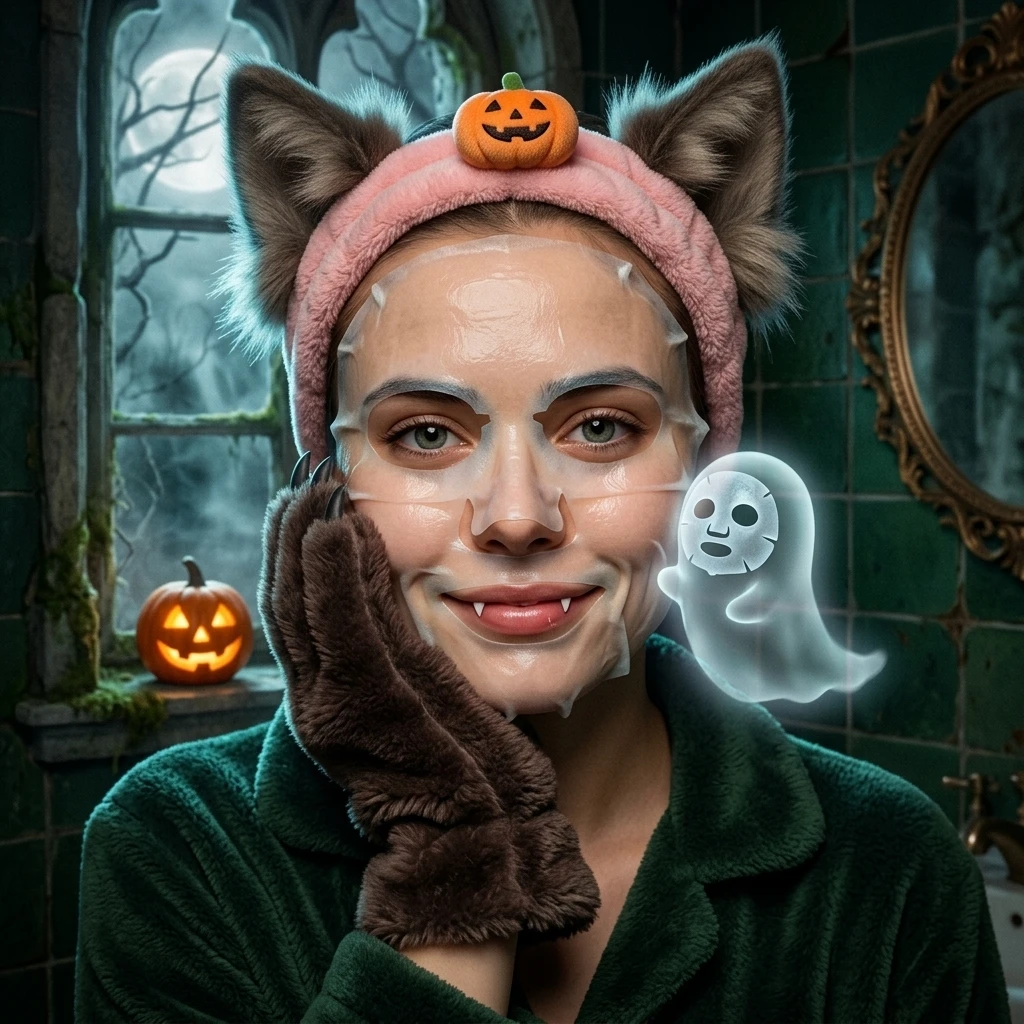
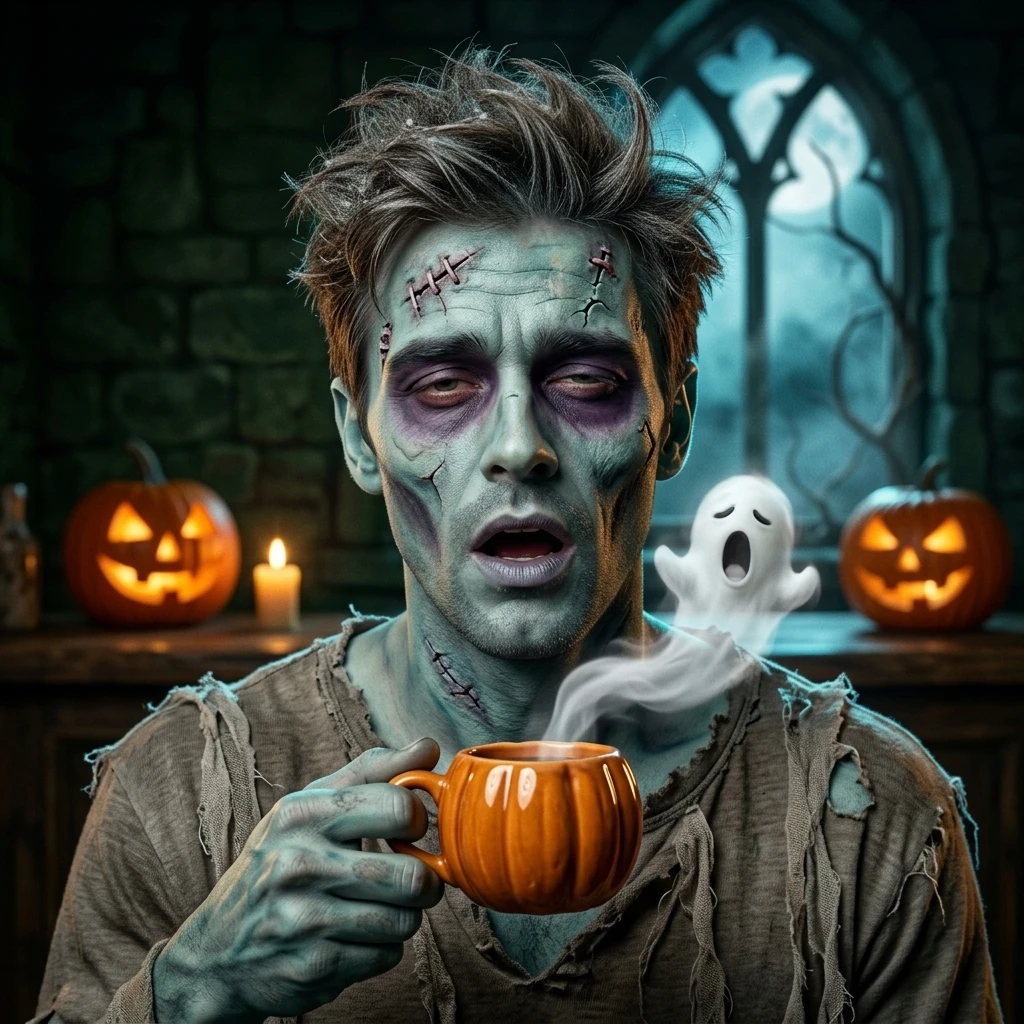
Browse Halloween portrait styles for your social profile. Click the image you like.
Witch, vampire, or your own midnight alter ego.
Find a Halloween look, then bring your own photo.
Style inspiration · Choose any look for your portrait. Results will vary with your photo.
A Halloween profile picture should feel like you in costume. Start with a clear head-and-shoulders photo and let one strong look do the talking.
Browse Halloween portrait styles for your social profile. Click the image you like.
Upload one person with their face and eyes visible. Good lighting and a simple background make a better starting point.
Your download is a 1024 × 1024 square portrait with space for a circular crop on X or Instagram. On Snapchat, use placements that support custom images.
A Halloween avatar generator turns a clear portrait into a seasonal profile picture. Choose one strong visual idea, keep the face easy to recognize, and leave a little room for hats, horns or wings. The best small profile pictures stay readable when they become a circle.
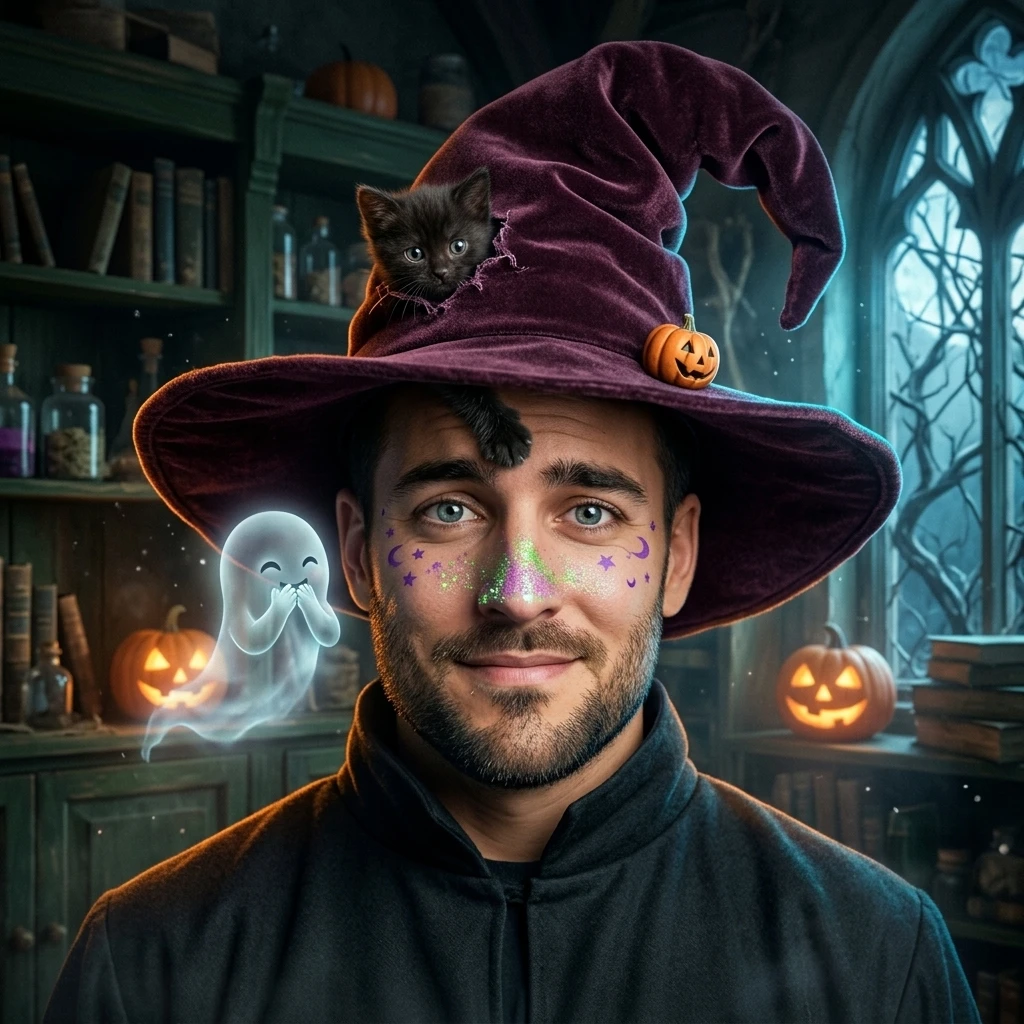
Browse Gothic, Witchy, Spooky and Fantasy looks. Click the whole image to open the creator. The Halloween avatar generator uses a separate direction for each style, rather than applying the same makeup to every face.
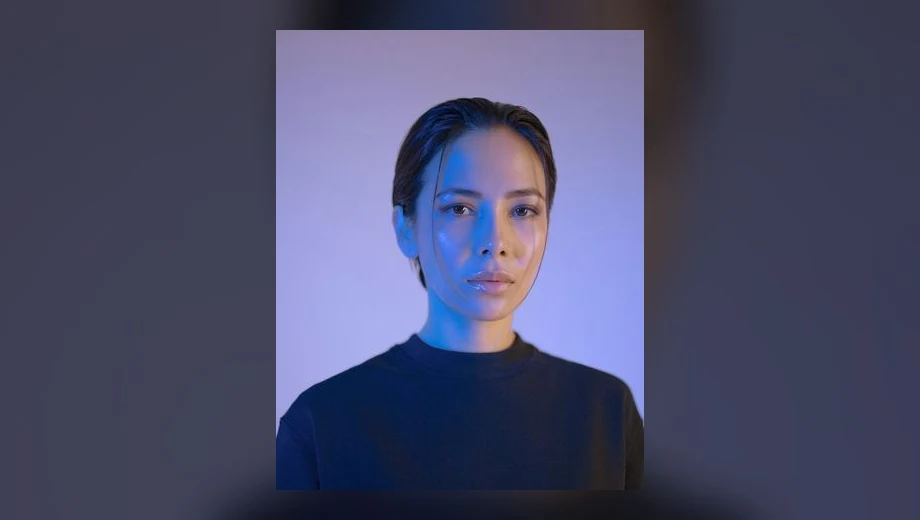
Use one person in even light, with their eyes and facial outline visible. Avoid heavy filters, a tiny distant face, sunglasses and group photographs. Upload a JPG, PNG or WebP under 10 MB. Keep the full head in frame so hats and accessories have space.
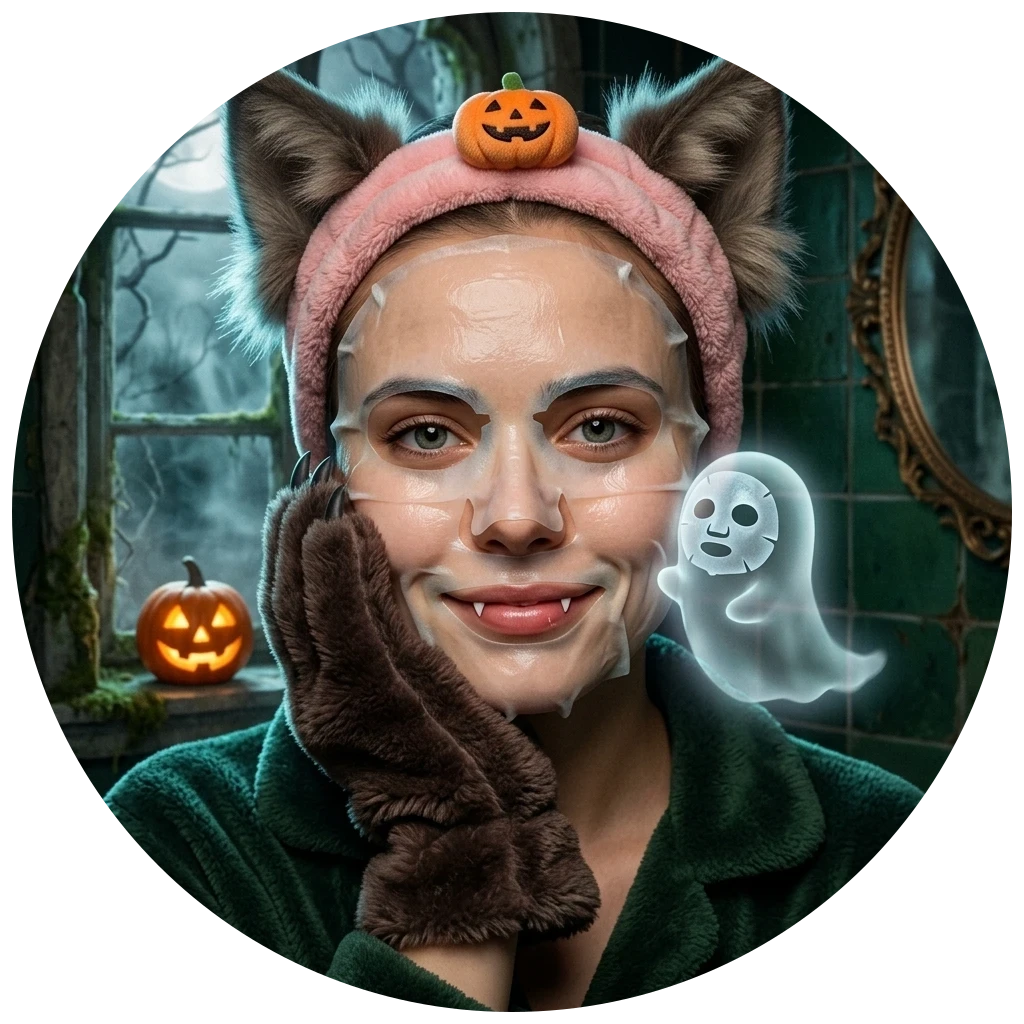
Sign in, check the two-credit cost, confirm permission and generate. The Halloween avatar generator downloads a 1024 × 1024 PNG. Preview the circle to check hats and accessories; the file itself remains square. On X and Instagram, let the app apply its profile crop.
A playful vampire works through a collar, rich fabric and candlelight. A witch can use a hat and moonlit color, while a skull look relies on face paint. Choose the Halloween avatar generator style whose main shape stays clear at thumbnail size. Strong contrast around the face often matters more than a busy backdrop.
Try a cat-caught witch, a sleepy mummy or a startled skeleton for a recognizable seasonal silhouette. Keep one dominant costume detail around your face and avoid clutter behind the head. Check the result at thumbnail size: eyes, expression and costume should still read clearly in a small social profile circle.
The Halloween avatar generator produces a square image suitable for profile uploads on X and Instagram, subject to each service’s current file limits and crop. Snapchat supports custom imagery in some placements, but a generated PNG does not replace every Bitmoji or account-avatar feature. Save a local copy and check the relevant upload screen.
Know your photos, your output and your next step.
See formats & credit costsYes. Each gallery style maps to a separate private direction for clothing, makeup, setting and light. The source reference image is inspiration, not a prediction of your output.
The edit asks the model to preserve identity, but AI likeness can vary. Start with a clear face and inspect the eyes, facial shape, age and skin tone before using the image publicly. A finished result is a new AI image, not an identity document or a guaranteed exact edit.
This gallery is designed for a single human portrait. Use one person per generation. For a cinematic story with a dog or cat, choose the pet mode in the Zombie AI studio instead of placing several subjects in an avatar upload.
The Halloween avatar generator requests a 1K square image and exports a normalized 1024 × 1024 PNG. Circle mode only previews a social crop. Download the original square PNG, then adjust the crop in the social app if needed.
Nothing is uploaded when you only browse or select a photo. Your photo is sent for generation only after you confirm. We remove photo metadata before processing. Read Privacy for provider retention and account deletion details.
Turn two photos into a cinematic Zombie AI reunion with a loved one or your pet.